What Binance asks of someone living in Brazil
| Step | What Binance documents |
|---|---|
| Sign-up | Email, phone number, or an Apple or Google account |
| Confirmation | A six-digit code sent to the email address or phone |
| Verification | Required for new users before deposits and trades |
| Document | Front and back of an identity document |
| Reais in the account | Pix route unverified; buying through P2P is documented |
Before you start
Have these four things ready so you do not stall halfway through:
- A government-issued identity document, in date, with a legible front and back.
- The email address you actually use, because it becomes the key to the account.
- A phone with signal, to receive the code.
- A small test amount, before you move anything that matters.
Signing up, step by step
Binance's account registration guide describes the app flow:
- Open the app and choose to create a personal account. Binance accepts an email address, a phone number, or an Apple or Google account.
- Read and accept the terms of service and privacy policy before continuing.
- Enter the six-digit verification code sent to your email or phone within the window shown on screen.
- Set a password and store it outside the browser.
At this point you have a login, not access. The next step is what opens the platform.
Identity verification: what the screen asks for
Binance's identity verification guide sets out the website sequence:
- Go to Account, then Identification.
- Choose your residence, the country or region that issued your document, and the document type.
- Upload the front and the back of the identity document.
- Complete the liveness check by following the on-screen instructions.
- Confirm your personal details.
None of this is optional. Binance is blunt about it: every new user must complete Verified status to reach Binance products and services, including deposits and crypto trades. On the page explaining why verification exists, the company says it requires verification to protect account security and lists access to fiat and spot accounts among what verification unlocks.
Check the details before you confirm. A name typed differently from the document is the expensive mistake on this screen, because fixing it later goes through support.
Binance Global vs. 2 alternatives
A quick view of canonical data. Open the comparison for every source and condition.
 Binance Global
- Funding
- Not verified
- Taker fee
- 0.1%
- Status
- Editorial only
 Bitso
Bitso- Funding
- Pix + BRL
- Taker fee
- 0.4%
- Status
- Editorial only
 Coinbase
- Funding
- Pix + Bank transfer
- Taker fee
- 0.6%
- Status
- Editorial only
Getting reais into the account
Here is the honest limit of this page: we could not verify a Binance-owned page documenting a Brazilian-real Pix deposit, its minimum, or its fee. That does not mean the route does not exist. It means we did not confirm it in an official source this time. To compare minimums, timing, and the ownership rule for Brazilian-real deposits across the exchanges we track, see how to deposit on a crypto exchange in Brazil.
What Binance does document publicly is buying through P2P. Its P2P buying guide asks for two things before you trade: completed identity verification and at least one active two-factor authentication device, such as Google Authenticator. In Express mode, Binance says orders are matched on the best crypto price available in the P2P market.
That changes what you should be looking at. On P2P the cost is not a visible flat fee, it is the advertised price. Compare the total in reais you will pay, not a percentage.
Before you transfer anything, read the minimum and the fee your own account shows. What the authenticated flow displays beats any general description.
Your first purchase
Make the first trade with an amount you would not miss. Before confirming, look at the total in reais on the confirmation screen rather than the percentage: that number already carries price, spread, and any fee. The trading fee structure is broken down in what Binance charges in Brazil.
Once the order fills, try a small withdrawal back out. An account that funds smoothly and jams on withdrawal is a problem worth discovering with twenty reais, not two thousand.
Checklist inside the authenticated flow
Confirm these in your own account, because they vary by user and region:
- the contracting entity named in the terms your account accepted;
- the minimum deposit shown on screen, in reais;
- the fee shown at confirmation rather than in a general table;
- the daily and monthly withdrawal limits applied to your account;
- an active second factor, with the recovery code stored off the phone;
- how much of your money you are willing to leave with one custodian.
What we could not verify
Binance sits in CryptoFacts as editorial only for Brazil, and the canonical record says why: Banco Central transition rules apply, but no named authorisation — nor an in-process application — was verified for a Binance entity in the country. We also found no named Brazilian contracting entity in the help pages we captured. The full regulatory picture is in Is Binance trustworthy in Brazil?.
That is why this page carries no sign-up link and no referral code.
Failure modes to watch (account + first Pix)
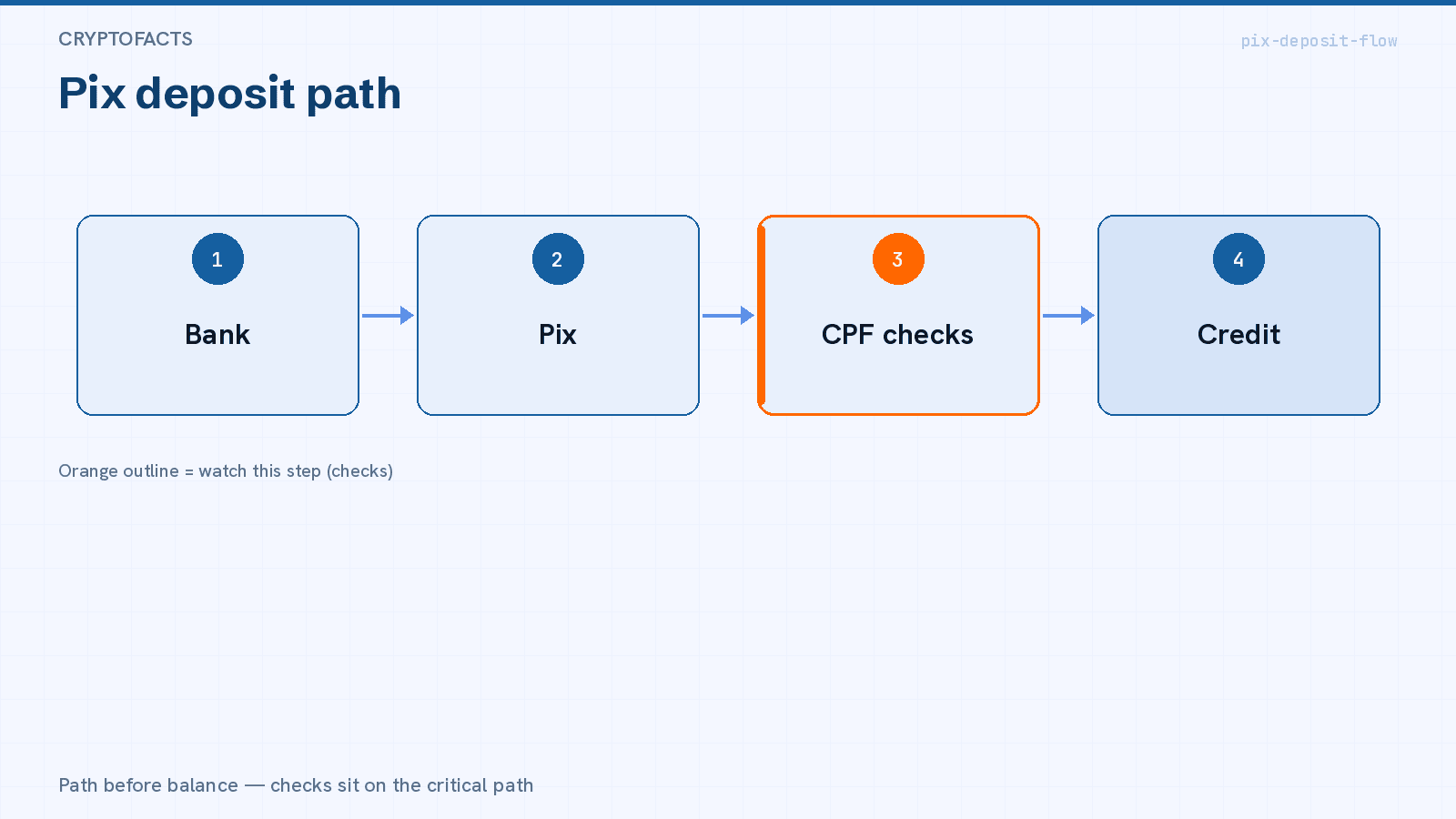
- CPF / name mismatch — Pix from another person’s bank key often bounces or freezes credit.
- Wrong entity / Pix key — confirm the named recipient matches the in-app instructions before sending.
- Holding ≠ spendable reais — some paths credit a token or foreign balance; you may still need a convert step.
- Minimum vs fee — a tiny minimum can sit next to IOF or convert cost; read both lines on the confirmation screen.
FAQ
Can I use the account before verifying my identity? Not for anything useful. Binance says verification is what gives access to deposits and trades.
Which document should I upload? The screen asks for residence, issuing country, and document type, then the front and back. Use a document that is in date with every field legible.
Can I deposit reais by Pix directly? We did not verify a Binance page covering that. The publicly documented route is P2P, which requires verification and a second factor.
How long does review take? Binance publishes no turnaround for Brazil. Do not plan around a number nobody promised.
Verdict
Opening the account is easy; using it depends on identity verification, and that is where most people stall. Get the document, email, and phone ready first, type your details exactly as they appear on the document, and test a deposit and a withdrawal with a small amount.
What stays open is regulatory and funding-related: we did not confirm a named Banco Central authorisation or an official Pix page. Until then, the number that counts is the one your account shows at confirmation.
Still deciding where to open an account? Compare the options in the list of exchanges available in Brazil.